



Yuii, a pink-haired student in a sailor uniform, waving hello

Helllooo
I'm Yuii.

I'm a university student, just like you. Lectures, slides, labs, deadlines… it used to be a lot. Want to hear what changed?

Yuii with swirly, dizzy eyes and question marks floating around her

Chapter 1 · The mess

Classes used to make my head spin.

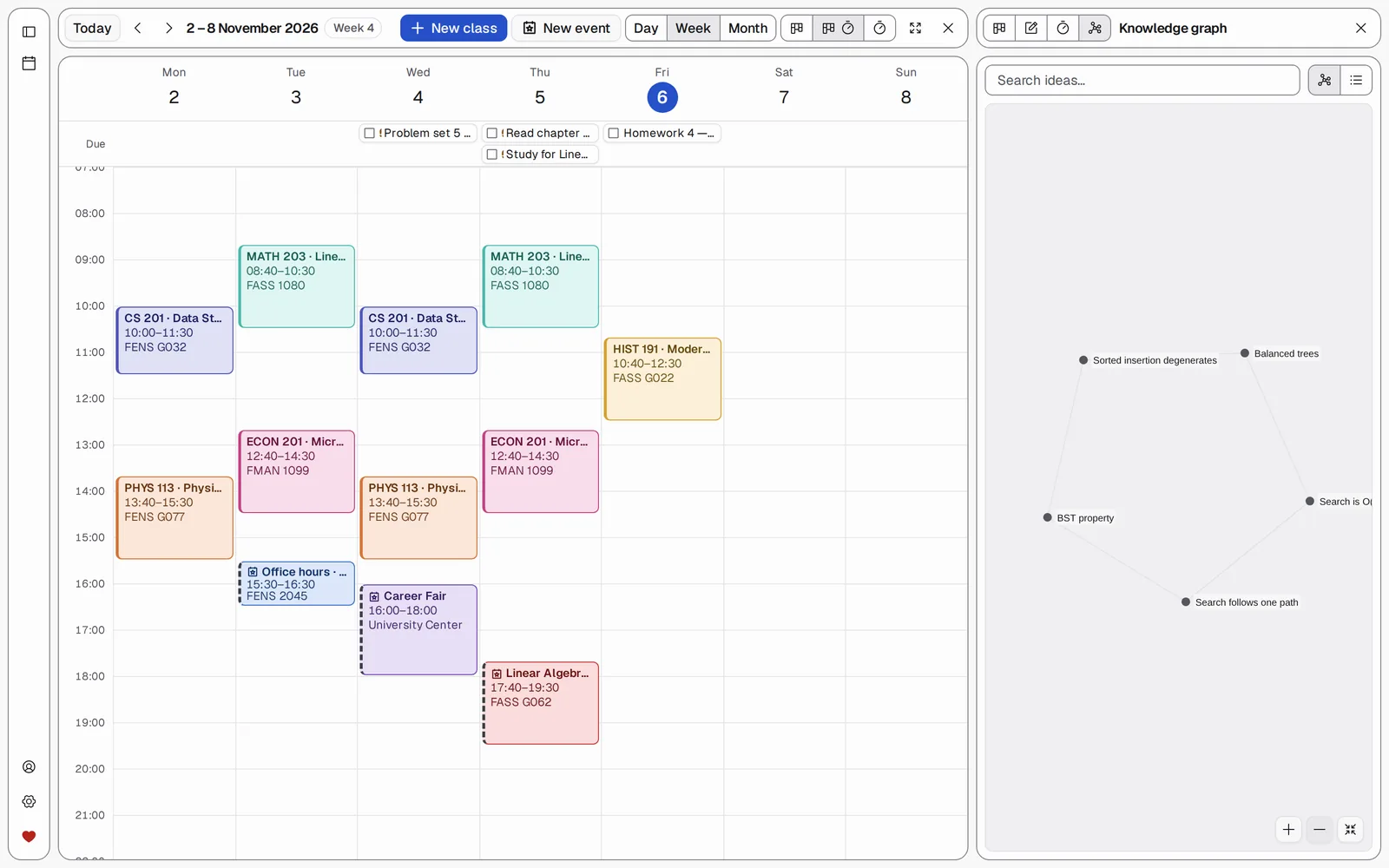
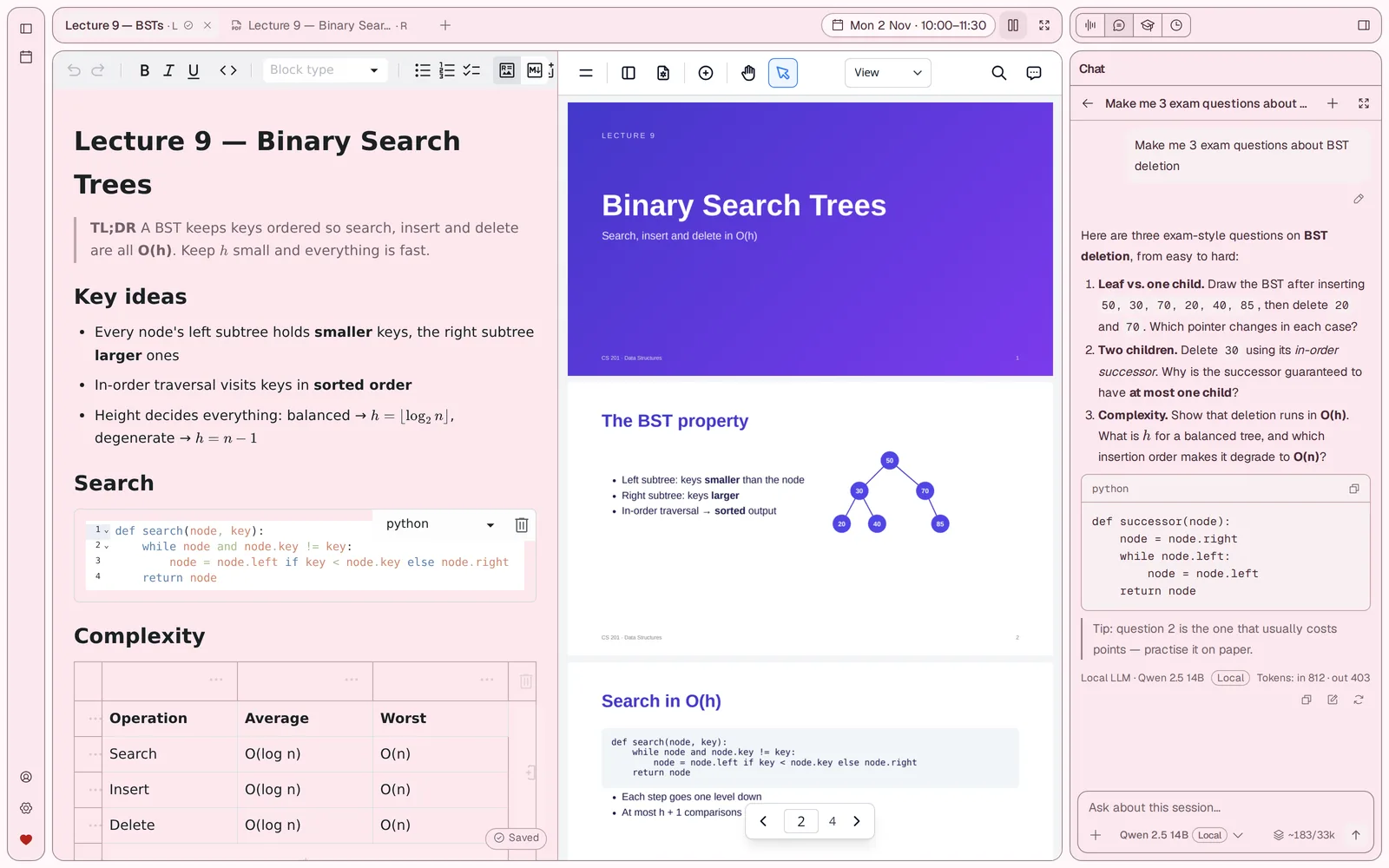
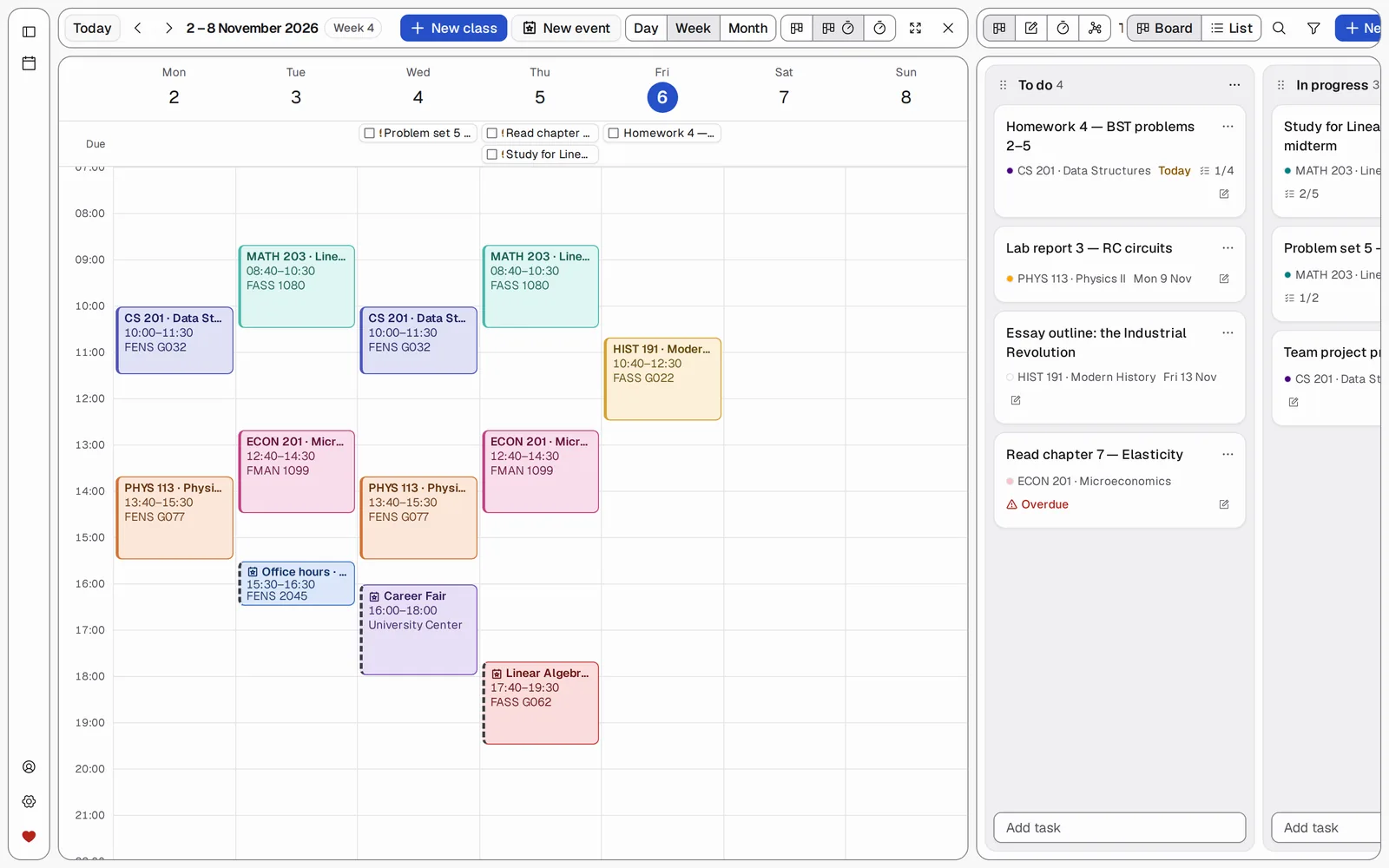
My timetable lived in one app, my notes in another, the slides in my Downloads folder and the lecture recordings on my phone. When exams came, nothing was where I needed it.

  • I couldn't type fast enough to catch everything the professor said.
  • I'd re-listen to a 2-hour recording to find one explanation.
  • Searching the web gave me answers, but I still didn't understand.
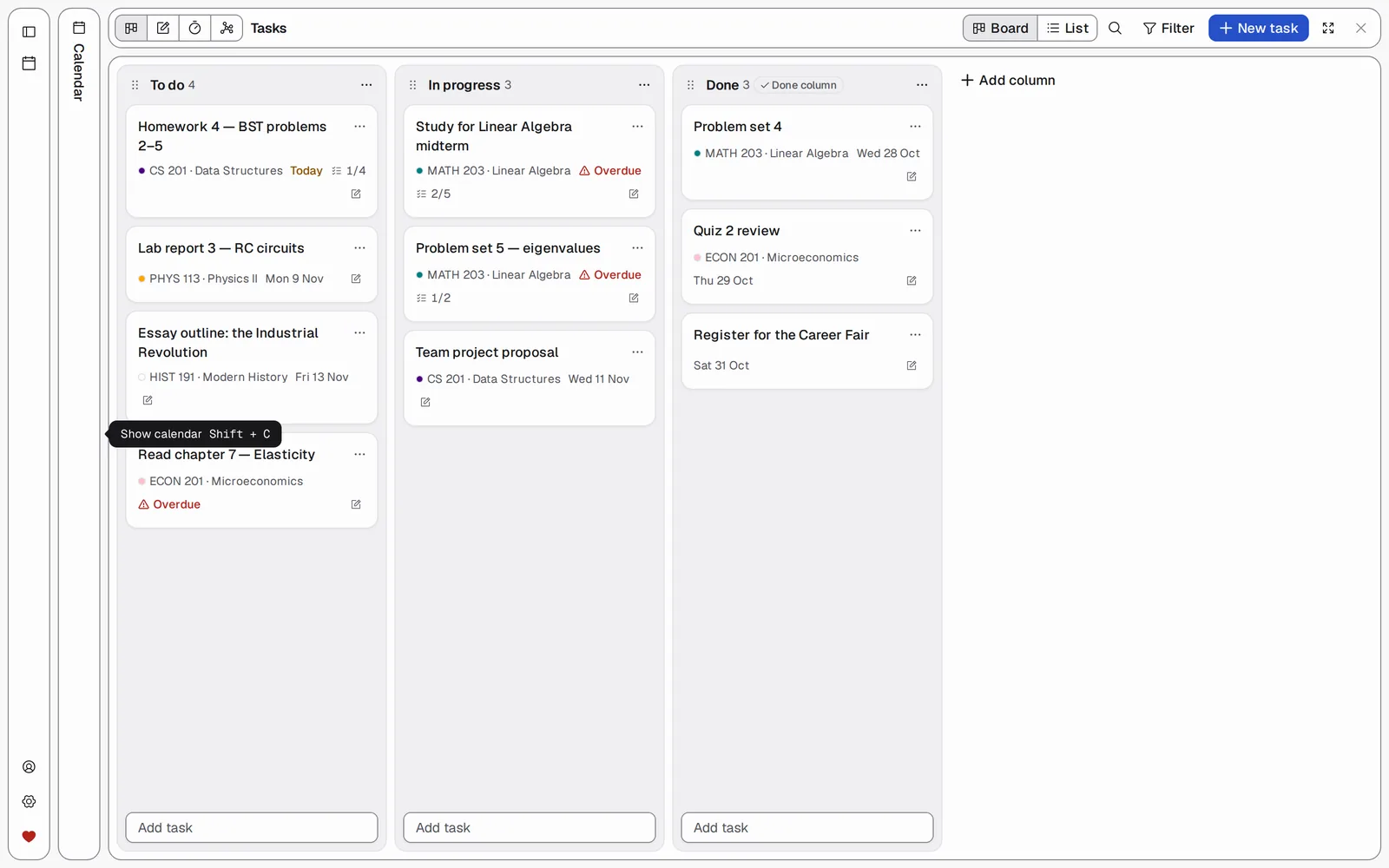
  • Deadlines hid in emails, chats and my head.
Yuii shrugging with a tired sigh, completely fed up

Chapter 1½ · Too many apps

So I tried every app. Ugh.

One tool for each job, that was the plan. Eight tabs, eight logins, eight places to look… I spent more time switching apps than actually studying. Honestly? I gave up.

  • NotebookLM to ask questions about my slides.
  • Obsidian and Notion for notes… and then I forgot which one had what.
  • Toggl to track study time, Google Calendar for my timetable.
  • Jira for tasks, LearnHarness for practice, Google Drive for files.
Yuii happily hugging her tablet

Chapter 2 · The fix

Then I found UniHelperProMax.

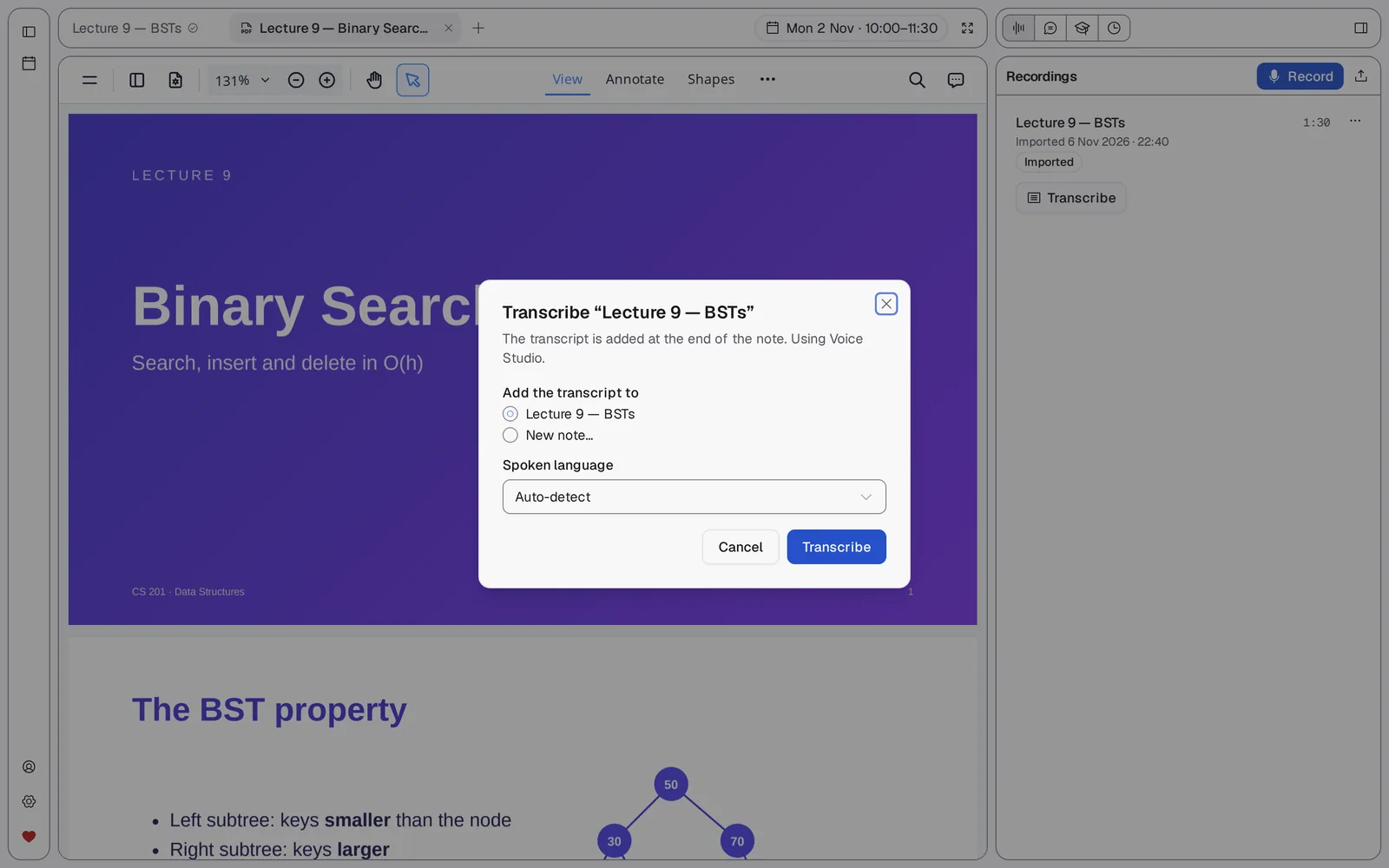
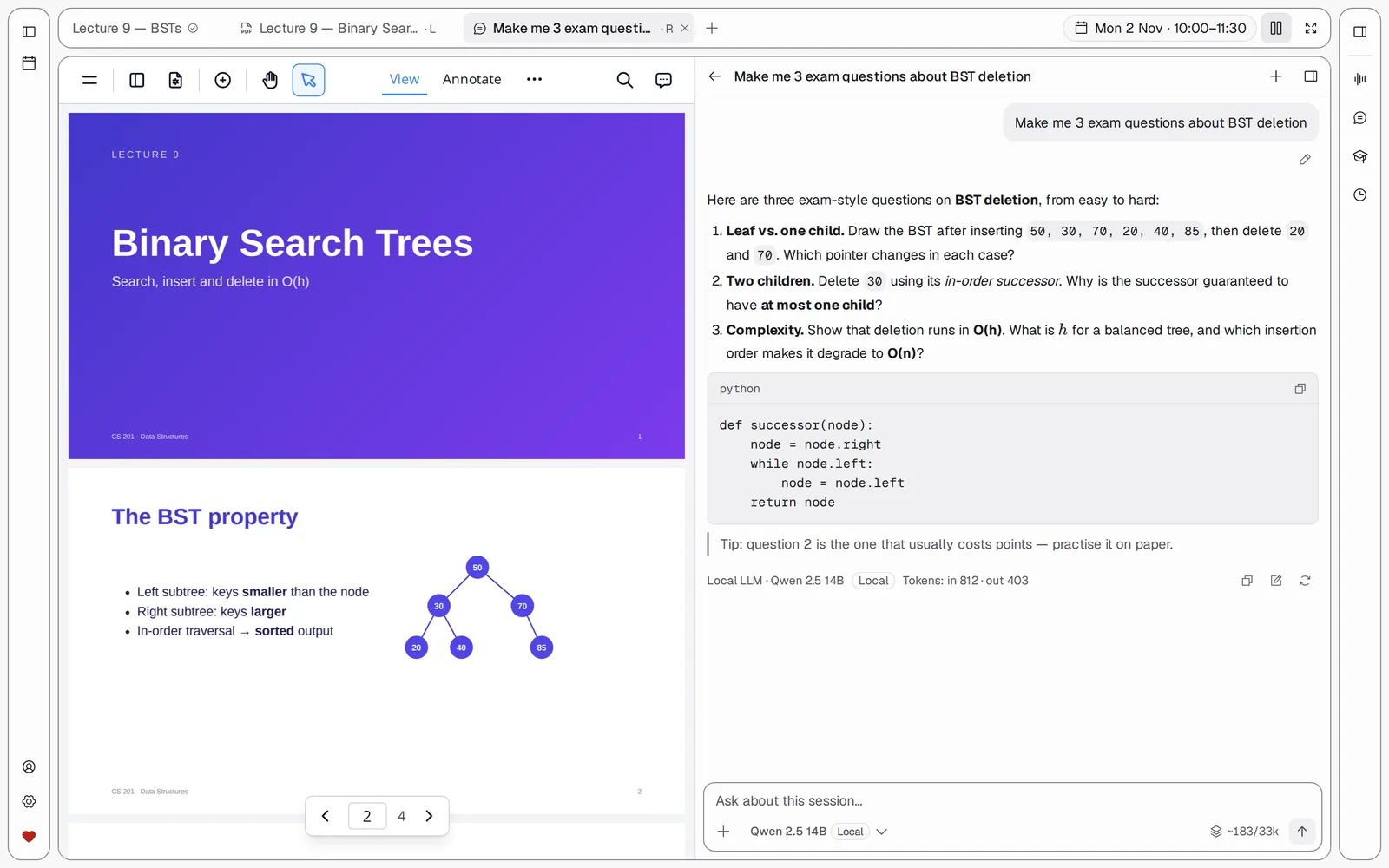
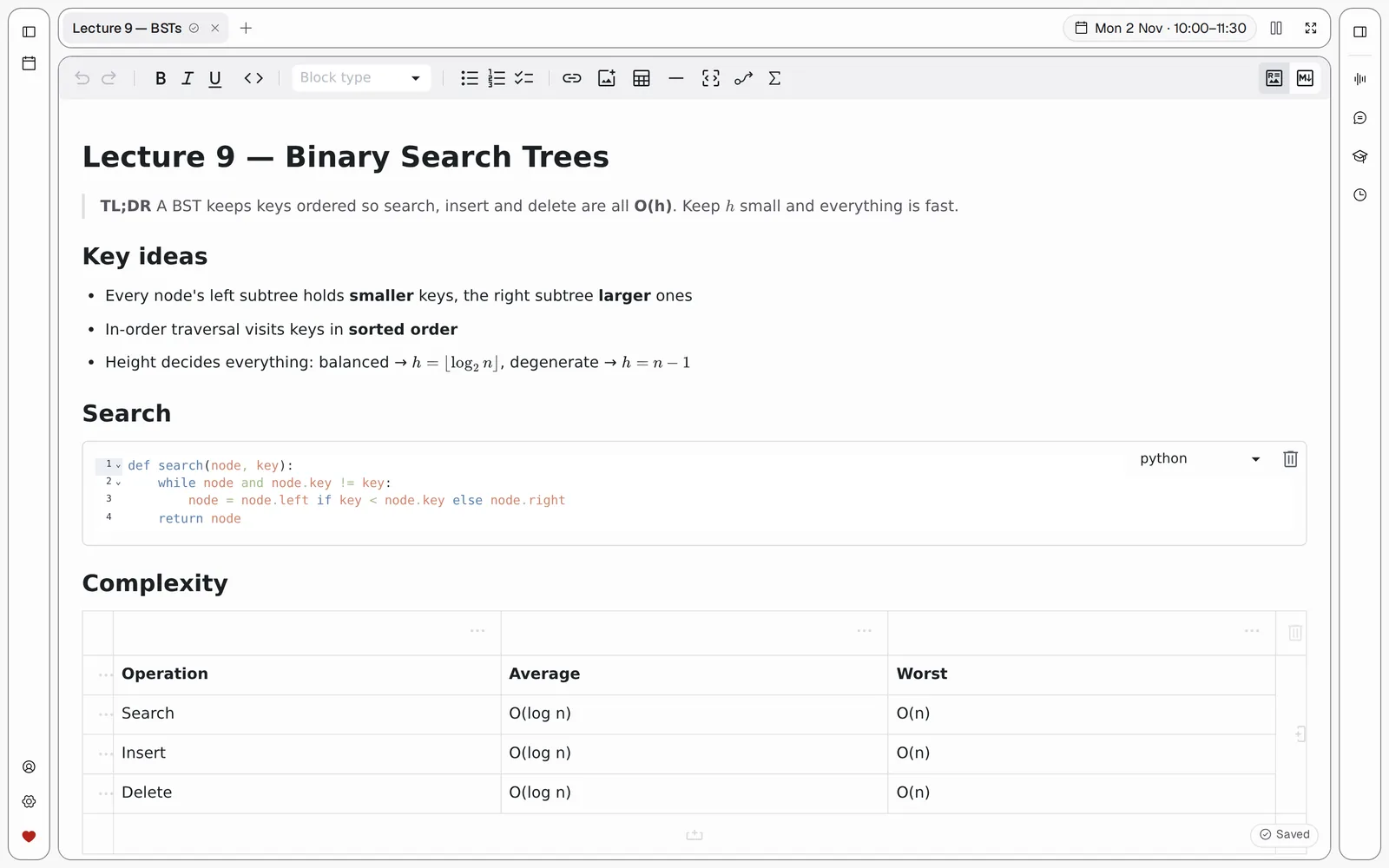
One place that does what all those apps did. Now every class session has its own little home: notes, slides, recording, transcript and an AI tutor, all together. Two clicks from my calendar. Here, let me show you my favourite parts!

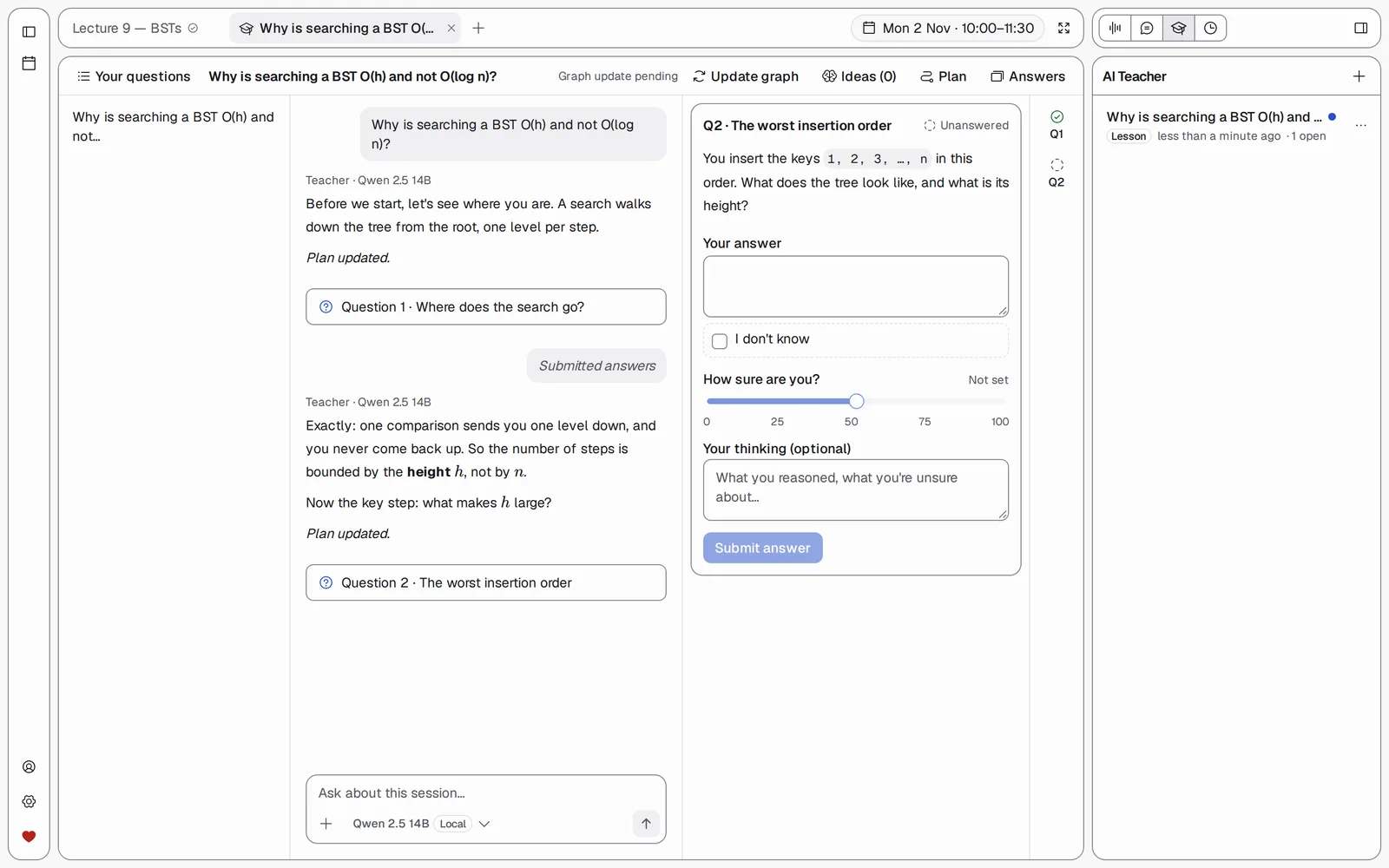
AI Teacher lesson: the tutor asks a question about binary search trees and waits for the student's answer and how sure they are

Okay, I have to brag

My AI tutor makes me think.

Other chatbots just hand me the answer and I forget it by Friday. Mine asks me questions first, checks how sure I am, and builds the idea up with me. I finally get binary trees!

  • Asks before it tells: you work it out step by step
  • "How sure are you?" so it finds what you don't really know
  • A lesson plan that updates as you learn
  • Runs on a local model too, fully offline and private

Yuii's favourite parts

Hear it. Learn it. Keep it.

Yuii raising a finger as if sharing a tip

Chapter 3 · The best part

Oh, and it's free. Really free.

No subscription, no account with anyone, no tracking. The whole thing is open source, so anyone can read the code, improve it, or host it for their friends.

  • Free foreverAGPL-3.0, source on GitHub
  • Your filesPlain .md, .pdf and audio on your disk
  • OfflineThe desktop app needs no login
  • One-click backupYour whole semester in one zip
Yuii blushing shyly

Chapter 4 · A small favour

Um… would you like to try it too?

It would make me really happy. It takes about three minutes, and your semester will thank you.

Latest release · Windows · macOS · Linux · Docker

Yuii thinking, finger on her chin

Chapter 5 · Let's set it up

Hmm, which way suits you best?

I picked your system already! The desktop app is easiest: download, open, done. Terminal fans get a one-line script.

Easiest · desktop app

Download the installer

Windows 10 or newer (x64). It brings its own server, works offline and needs no login.

Not code-signed yet: on "Windows protected your PC" click More info → Run anyway.

Self-host · one line

PowerShell script

irm https://raw.githubusercontent.com/Nimaj2002/UniHelperProMax/main/install.ps1 | iex
cd UniHelperProMax; .\start.ps1

Checks Node.js 22, offers to install uv, builds everything. Then open localhost:8000.

I'd rather build it by hand
git clone https://github.com/Nimaj2002/UniHelperProMax.git
cd UniHelperProMax/backend && uv sync
cd ../frontend && corepack pnpm install && corepack pnpm build
cd ../backend && UNIHELPER_DATA_DIR=./data UNIHELPER_STATIC_DIR=../frontend/dist \
  uv run uvicorn unihelper.main:app --port 8000

Needs Python 3.12+ with uv and Node.js 22 LTS. Full details in the README.

Yuii looking up, excited and smiling

The end… and your beginning

Thank you for installing! ✨

Yay, we're study buddies now! Open the app, add your first class, and hit Record in your next lecture. I can't wait to hear how your semester goes.

  1. Open the app (or localhost:8000)
  2. Add your first class to the calendar
  3. Record, transcribe, and ask your AI tutor